Props that match your game
Point Tilewise at any asset you have made, or any image, and get a whole set of decorations as transparent PNGs, painted in that exact style.
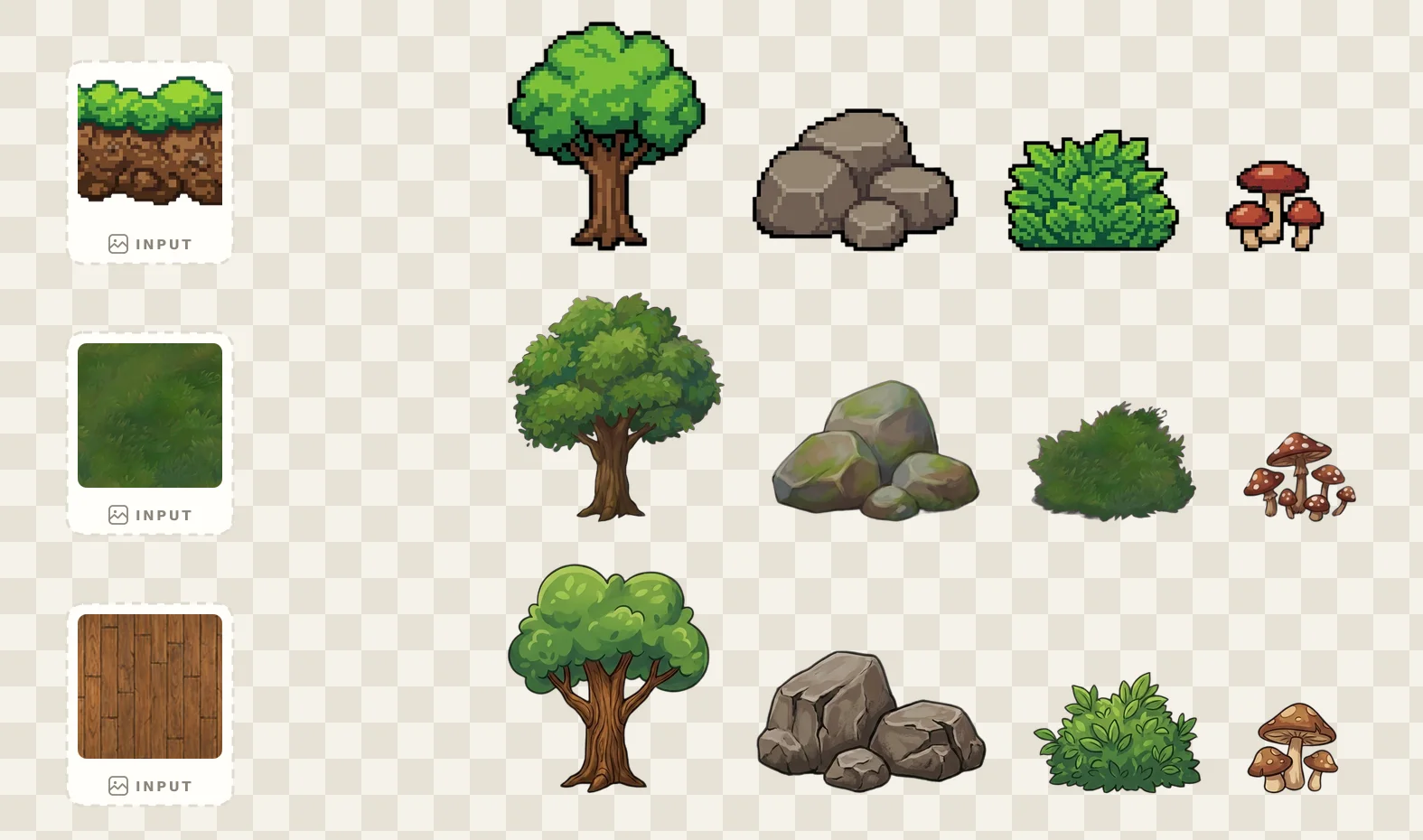
One prop assortment, three style references: a pixel platform, a hand-painted texture, and a wooden tileset. Each row matches its source.
Decorations that belong in your world
Most asset generators give you props in their style. Tilewise gives you props in yours.
Style-matched to assets you already made
Pick any texture, tileset, or platform from your projects, or upload an image, and the props come back in that art style: same palette, same outlines, same rendering. Your scene dressing finally looks like one artist made everything.
- Any Tilewise asset as a style reference
- Or upload any image (never stored on our servers)
- Consistent environment objects across your whole game
A whole set of transparent PNGs per generation
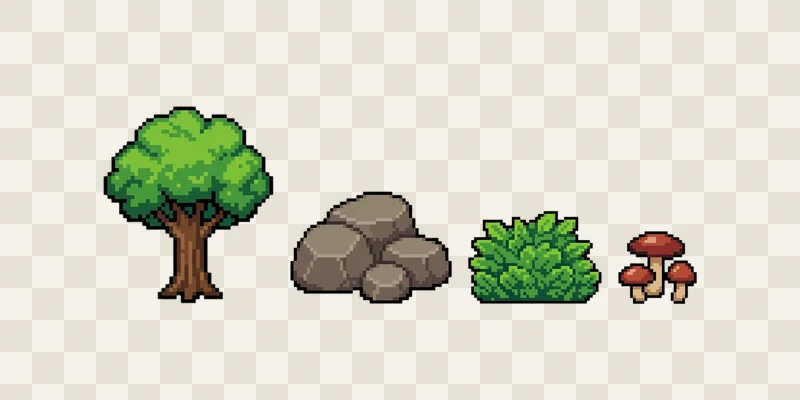
One generation paints several props at once and cuts each one into its own tightly cropped alpha PNG. No background removal, no masking, no cleanup: place them straight into your level, layer them, reuse them.
- Three to six individual props per generation
- Clean alpha edges, cut and cropped automatically
- Side view, top down, or neutral sprite perspective
From reference to ready-to-place
- 1
Pick a style reference
A texture, tileset, or platform from your library, or upload any image. References you upload stay on your device.
- 2
Describe your props
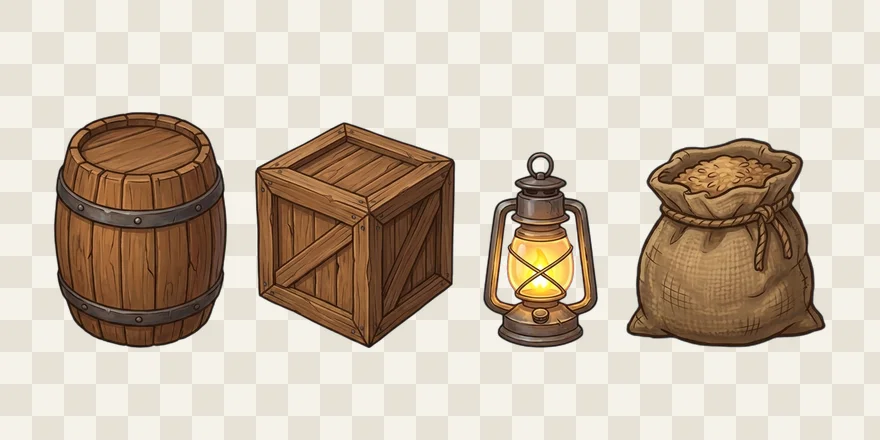
“A barrel, a crate, a lit lantern” or let Tilewise pick a natural assortment. Choose side view, top down, or neutral.
- 3
Place them in your game
Every prop arrives as an individual transparent PNG. Export a PNG pack or PNG plus JSON manifest for your pipeline.
Common questions
Props are the decorations and environment objects that dress a game scene: trees, rocks, bushes, barrels, crates, lanterns, furniture, signs. Unlike tiles, props are placed freely as individual sprites, so they ship as transparent PNGs you can position, layer, and reuse anywhere in your levels.
You pick a style reference: a texture, tileset, or platform you already made in Tilewise, or any image you upload. The AI reads its art style, palette, and rendering and paints new props to match, so decorations look like they belong in your game instead of looking pasted in from an unrelated asset pack.
Yes. Every generation is cut server-side into individual alpha PNGs with clean edges, tightly cropped to each prop. No manual background removal, no white boxes around your sprites.
One generation produces a whole set, typically three to six individual props, for 2 credits. Describe exactly what you need ("a barrel, a crate, a lit lantern") or let Tilewise pick a natural assortment.
Side view for platformers, top down for RPGs and sims, or a neutral straight-on sprite view. Pick the one that matches your game.
Yes. Props generated with a subscription are yours to use in personal and commercial projects without attribution. Free-tier outputs carry a watermark for previewing quality.
A PNG pack with every prop as an individual transparent PNG, or PNG plus a JSON manifest listing filenames and dimensions. Both work with Unity, Godot, GameMaker, or any engine that imports PNG sprites.